Client view
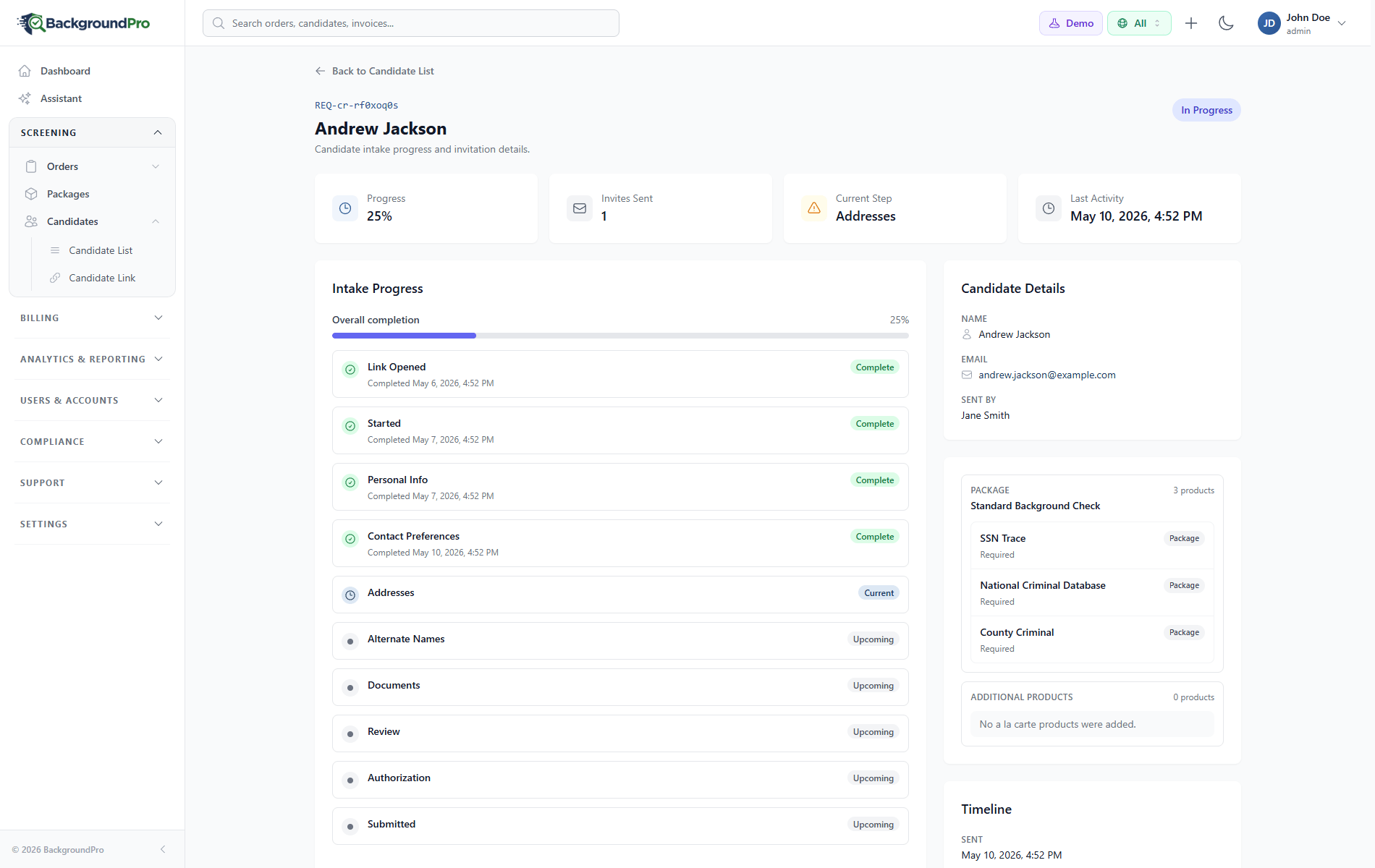
Candidate request progress
Client users can see which intake steps are complete, what is currently in progress, and which items still need candidate action.
A fast, mobile-friendly, and fully customizable experience—from invitation through final results.
BackgroundPro connects a guided candidate portal with the client dashboard, so teams can see who is invited, who is in progress, and what needs attention without exposing candidates to back-office complexity.
Candidates see clear next steps. Clients see progress, timing, and follow-up needs without chasing status updates.
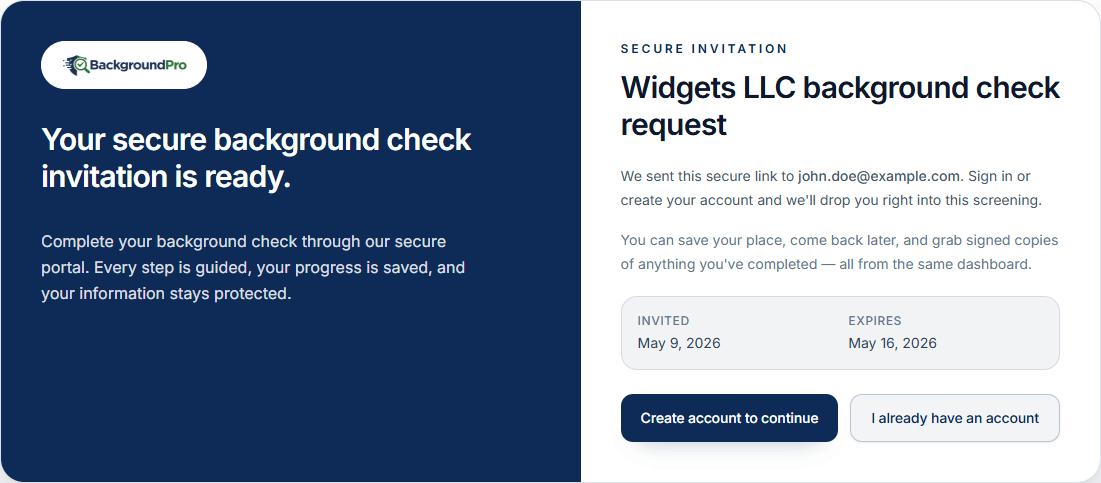
Send the request from the system your team already uses, and candidates get one guided path to complete their background check.
Trigger a secure invite when a candidate is ready for screening.
ATS / HRISUse a direct link for quick starts, job posts, QR codes, or recruiter messages.
Link or QRCreate one request, or send a batch when your team has several candidates ready.
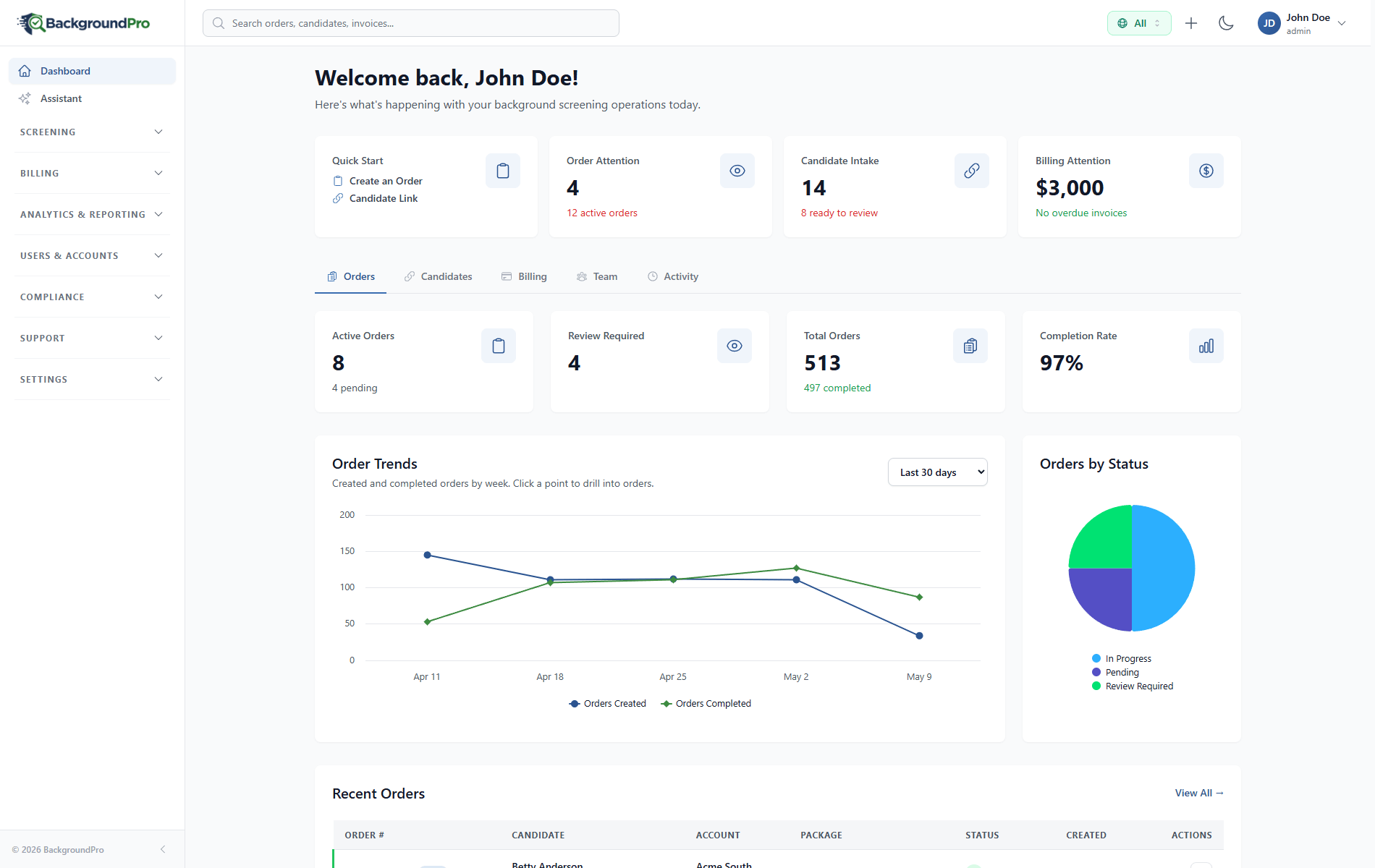
Single or bulkBoth views stay simple: candidates get a personal dashboard, while client teams can see completed and remaining intake steps.
Client users can see which intake steps are complete, what is currently in progress, and which items still need candidate action.
Candidates can start on desktop, continue from their phone, and complete key intake steps without a confusing back-office interface.
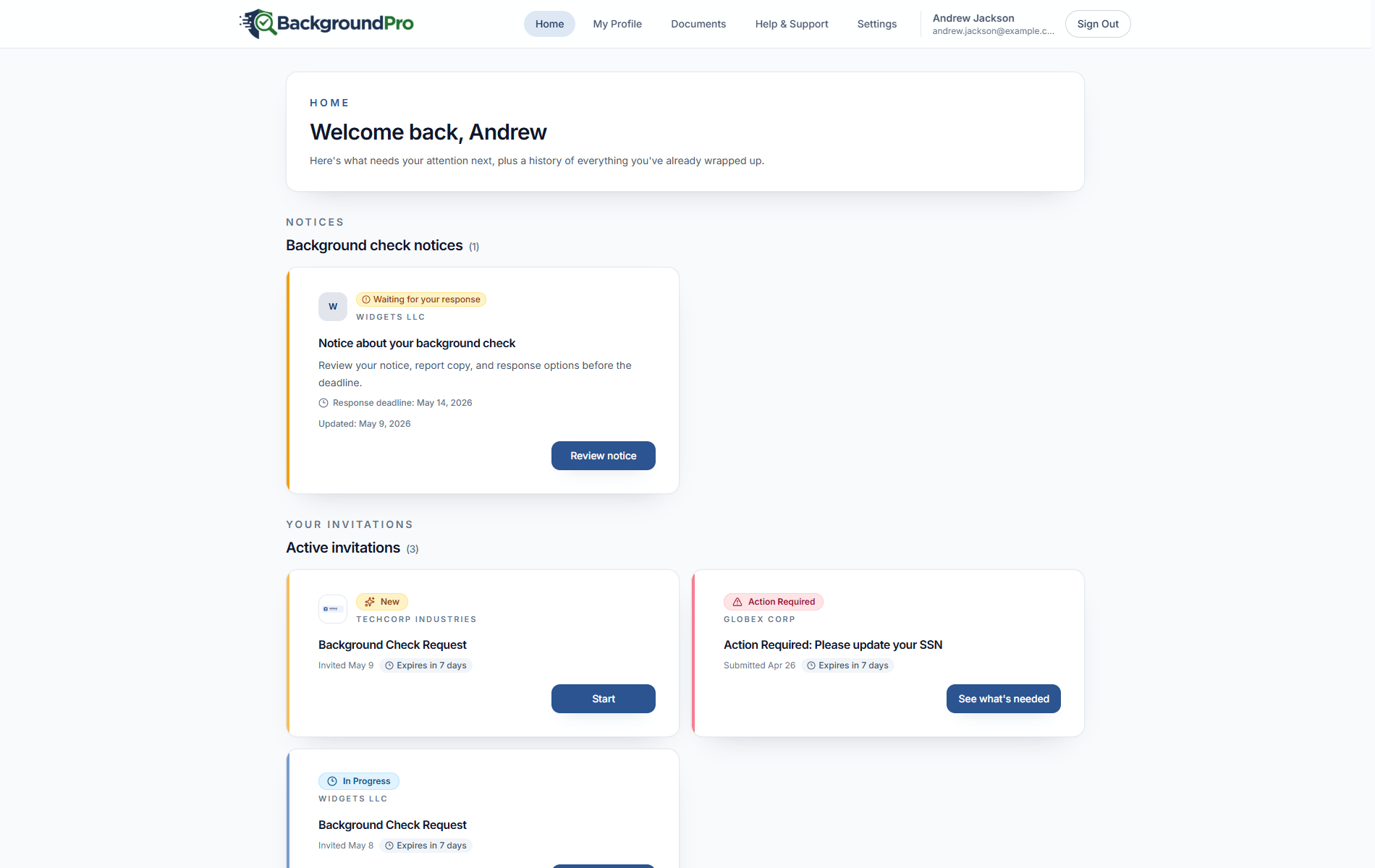
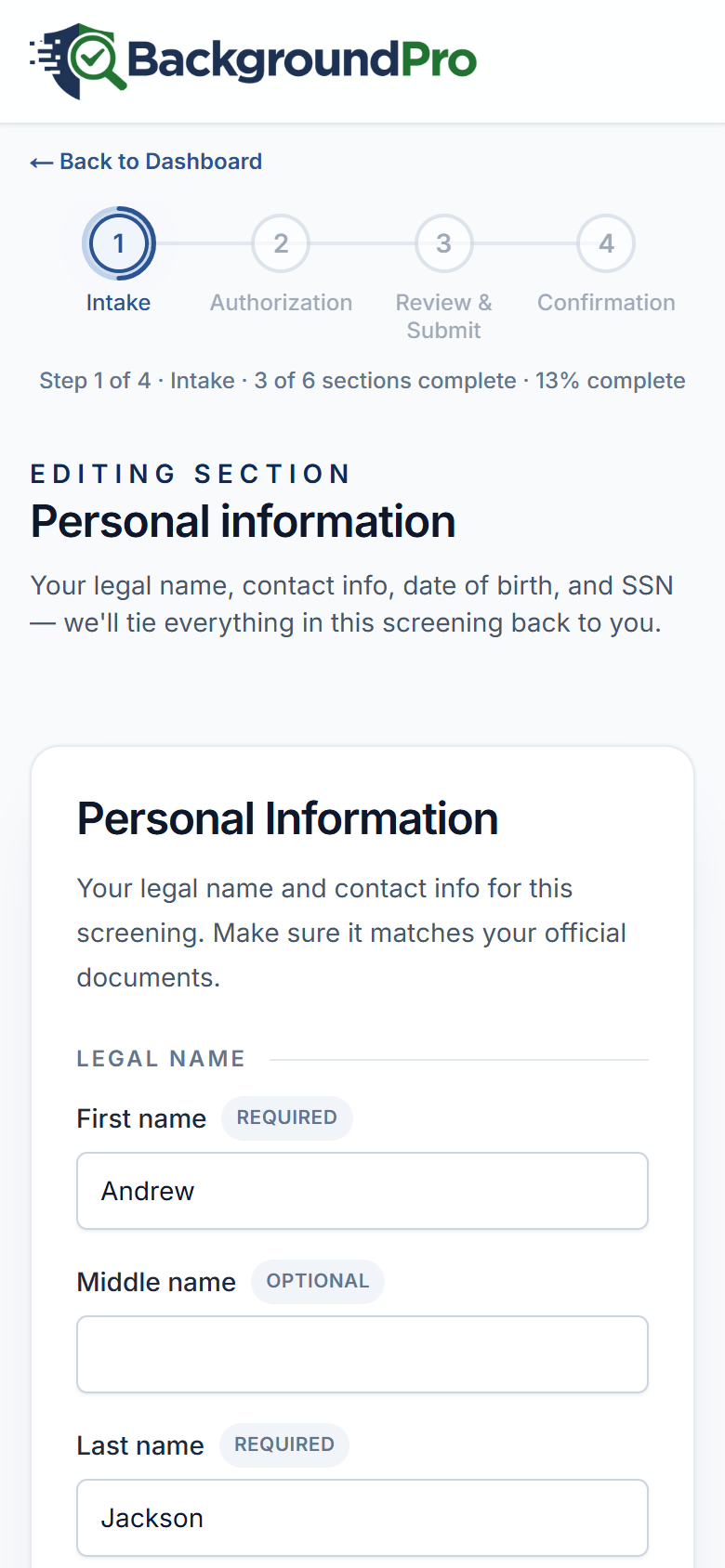
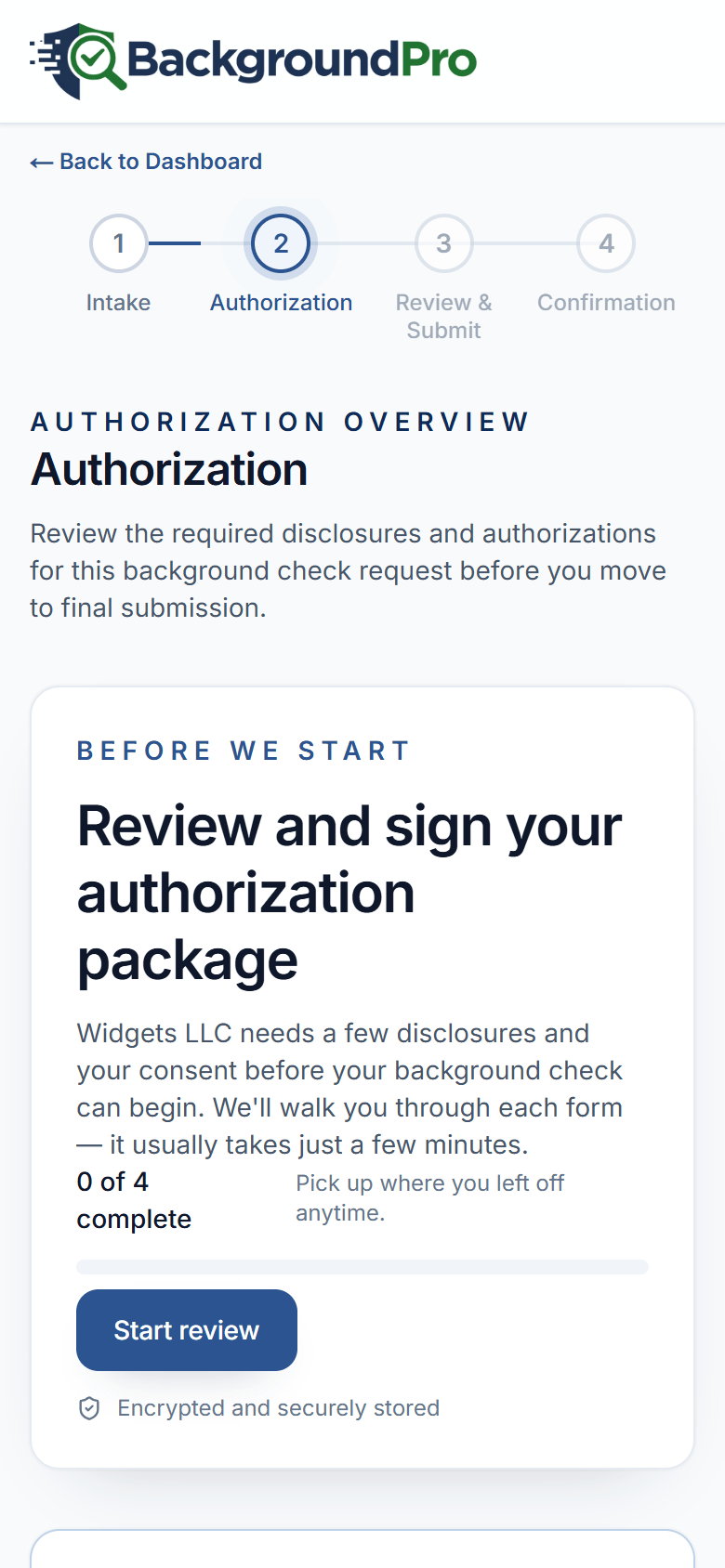
The candidate experience adapts automatically based on the type of screening requested—collecting only what's needed.
Identity verification, SSN, consent forms
Work history, employer contacts, dates
Schools attended, degrees, graduation dates
License info, driving history consent
Collection site selection, scheduling
Reference contact information
Configure every aspect of the candidate experience to match your brand and workflow requirements.
Add your logo, colors, and company information so candidates see a seamless extension of your hiring process.
Upload your own authorization and disclosure forms to meet specific legal or company requirements.
Customize the first and last impression with branded welcome screens and completion messages.
Add custom form fields to collect additional information during the background check process.
Automated email and SMS notifications keep the process moving smoothly and efficiently.
Candidate receives invite with secure link to begin
Automated follow-ups if action is needed
Progress notifications as checks complete
Report ready, access provided to portal
Candidates can access their completed report and all compliance-related information directly from their portal.
Full access to their background check results with clear, easy-to-understand formatting.
If applicable, candidates receive required pre-adverse and adverse action notifications with dispute rights.
Simple process to dispute any inaccuracies directly from the portal with clear instructions.
Clear presentation of consumer rights under the Fair Credit Reporting Act.
Request a demo to walk through the entire candidate journey from their perspective.